
Which Ember Mug Do I Have?Updated a month ago
Not sure whether you have an Ember Mug, Mug 2, or the new Mug 3? Here are three quick ways to tell. This matters for care instructions, since Mug 3 is dishwasher safe and earlier models are hand wash only.
1. Look for the row of small lights
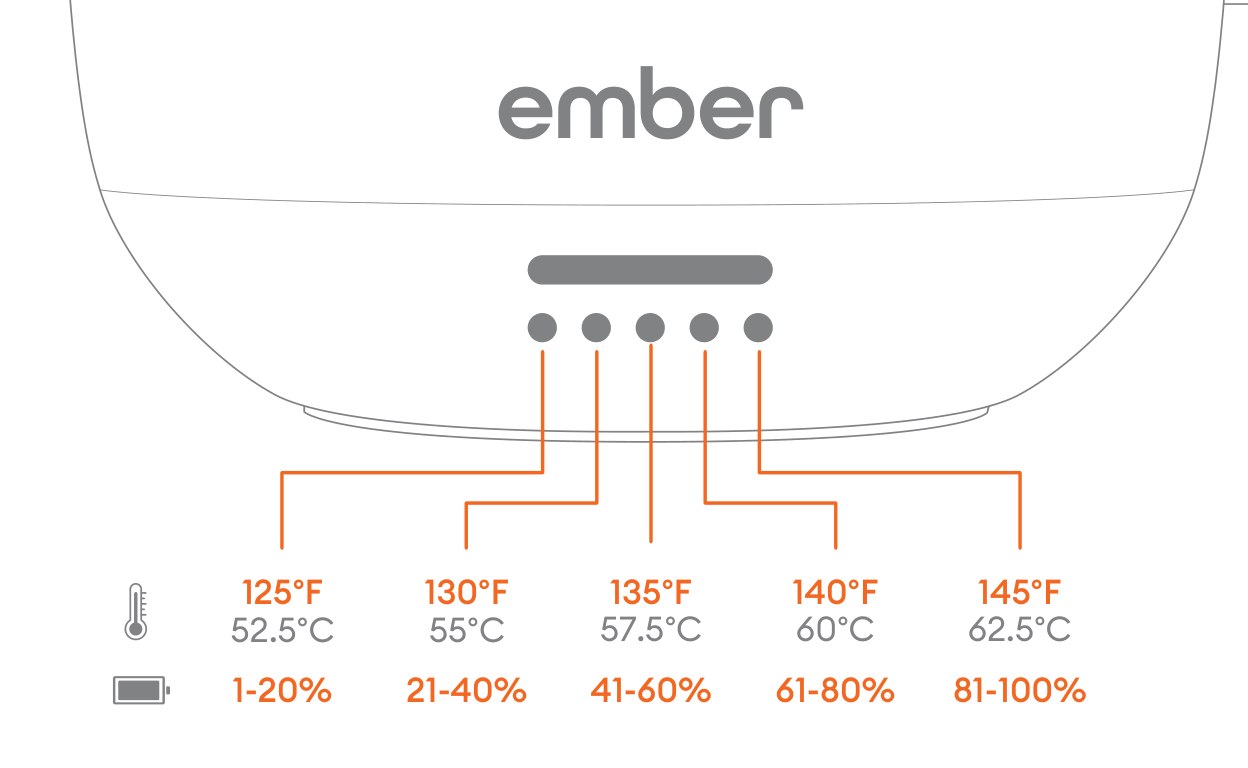
Tap the button on the bottom of your mug once, then look just below the main status light on the front. If a row of small dot lights appears, you have Mug 3. Earlier Ember Mugs have a single status light with no dots.
2. Check the bottom of your mug
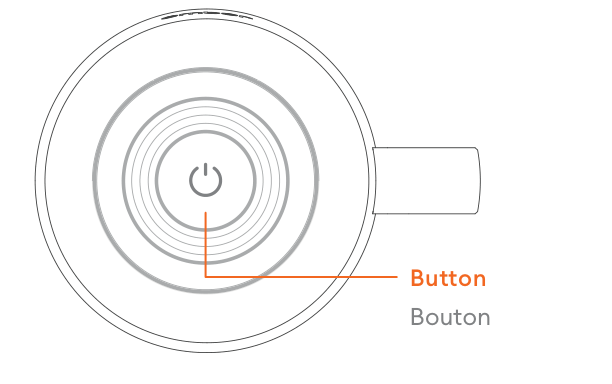
Turn your mug over. On Mug 3, the power button and the rubber ring around the base are black. Most earlier mugs have a different colored base.
One thing to know: a few Mug 2 colors (Salt Blue, Matcha Green, and Pink Grapefruit) also have black bases. If your mug is one of those colors, use check 1 or check 3 instead.
3. Look at the charging rings
The metal charging rings on the bottom of Mug 3 are always silver, and they sit flush with the surrounding surface with a nearly seamless finish. Earlier Ember Mugs mostly have gold rings, and even the newer ones with silver rings have a visible edge where the metal meets the plastic.
Still not sure?
Check your order confirmation email, or reach out to us at [email protected]. We're happy to help you figure it out.